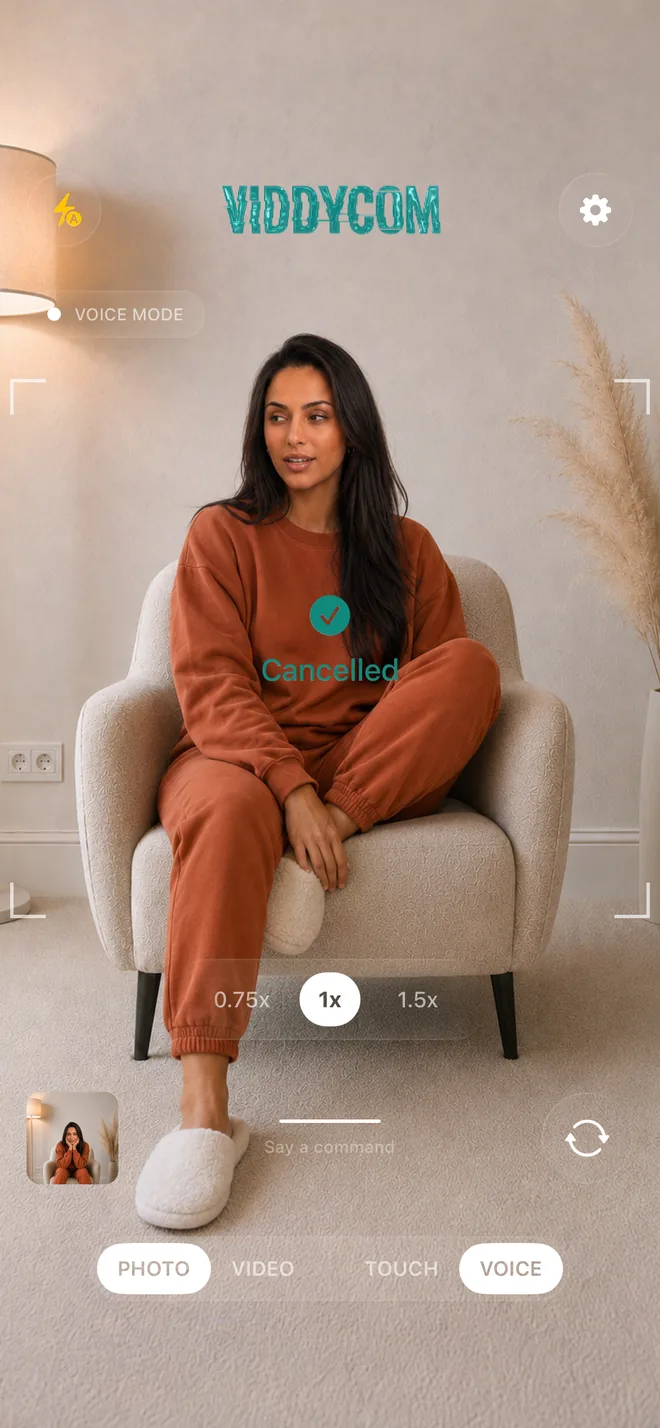
Getting Started
- Sign in the first time you open the app — Apple, Google, or your email
- Open the app and wait for the camera to load (teal spinner shows loading)
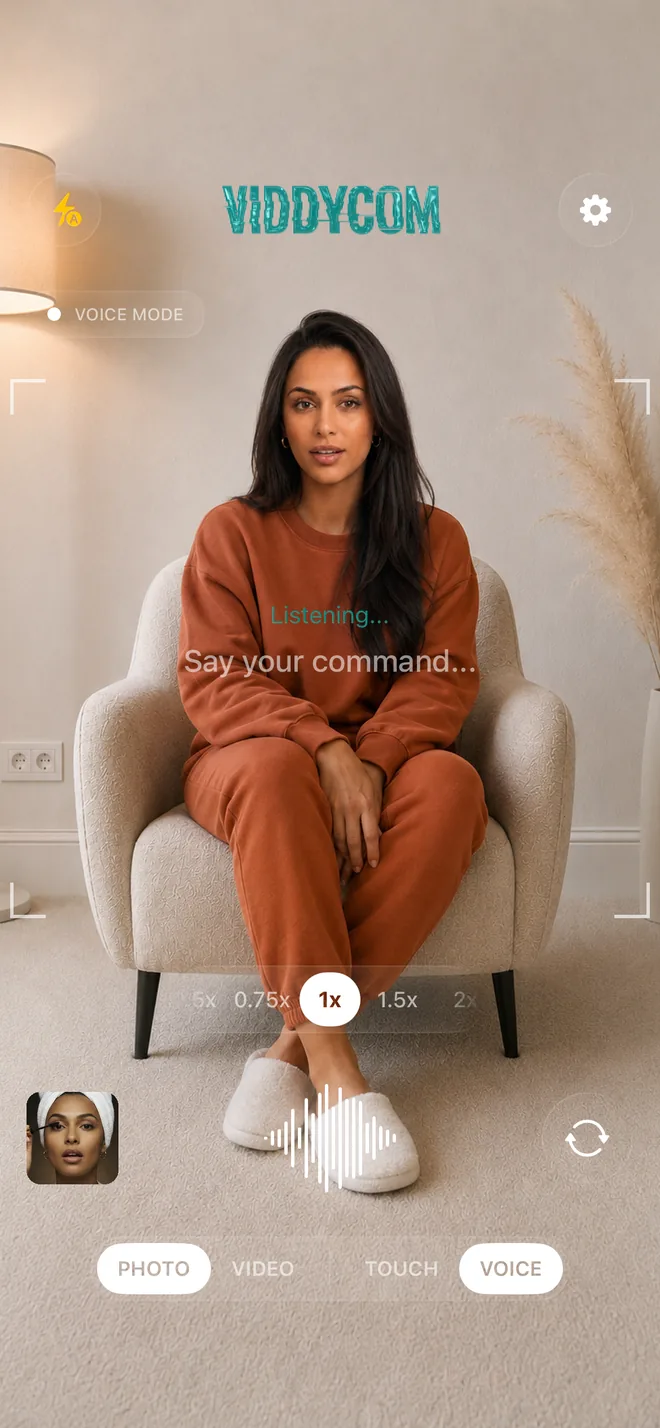
- Viddycom starts listening automatically — when you see "Listening...", it's ready
- Prefer hands-down mode? Turn on the "Show Time" wake word in Settings
Listening Modes
- By default Viddycom listens continuously — just speak your command
- The edge glow turns teal and pulses while it's listening
- Optional wake word: turn on "Show Time" in Settings, then say it to start listening
Giving Commands
- Speak naturally: "Take a photo", "Start recording", "Zoom in"
- After a small change (zoom, flash, grid) Viddycom keeps listening for your next instruction
- After taking a photo or stopping a recording, it finishes up and waits
Important: Wait for Command to Execute
- After saying a command, wait for the confirmation (teal "Confirmed" message)
- Then give your next command
- The app shows "Listening..." when ready for the next command
Continuous Listening
- In continuous mode (the default), just keep giving commands — no wake word needed
- In optional wake-word mode, re-say "Show Time" after you take a photo or stop recording
- Example: "Zoom in" → "A bit more" → "Now take a photo"
Supported Commands
- Capture: "Take a photo", "Snap", "Shoot it"
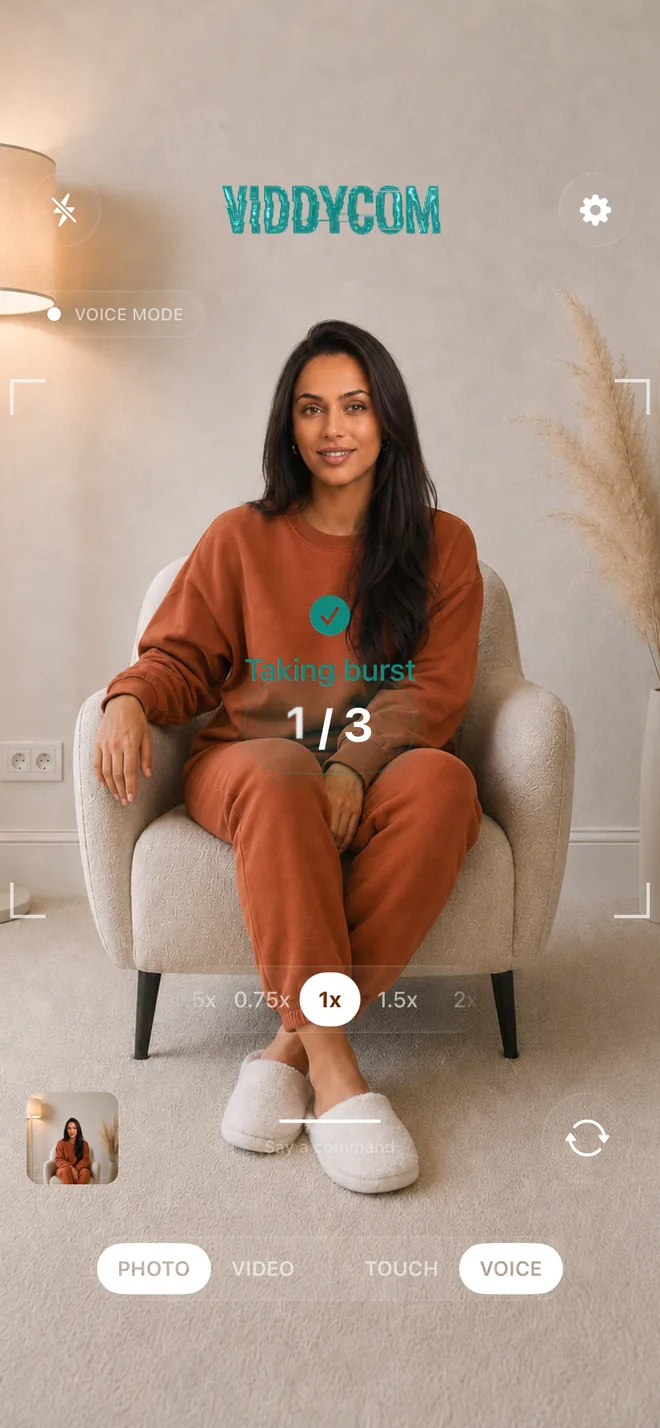
- Several in a row: "Take 10 photos", "Take 5 photos" — on-screen counter shows progress (1/10, 2/10...)
- Background blur: "Blur my background", "Blur off" — soft portrait look
- Live Photos: "Live Photos on", "Live Photos off"
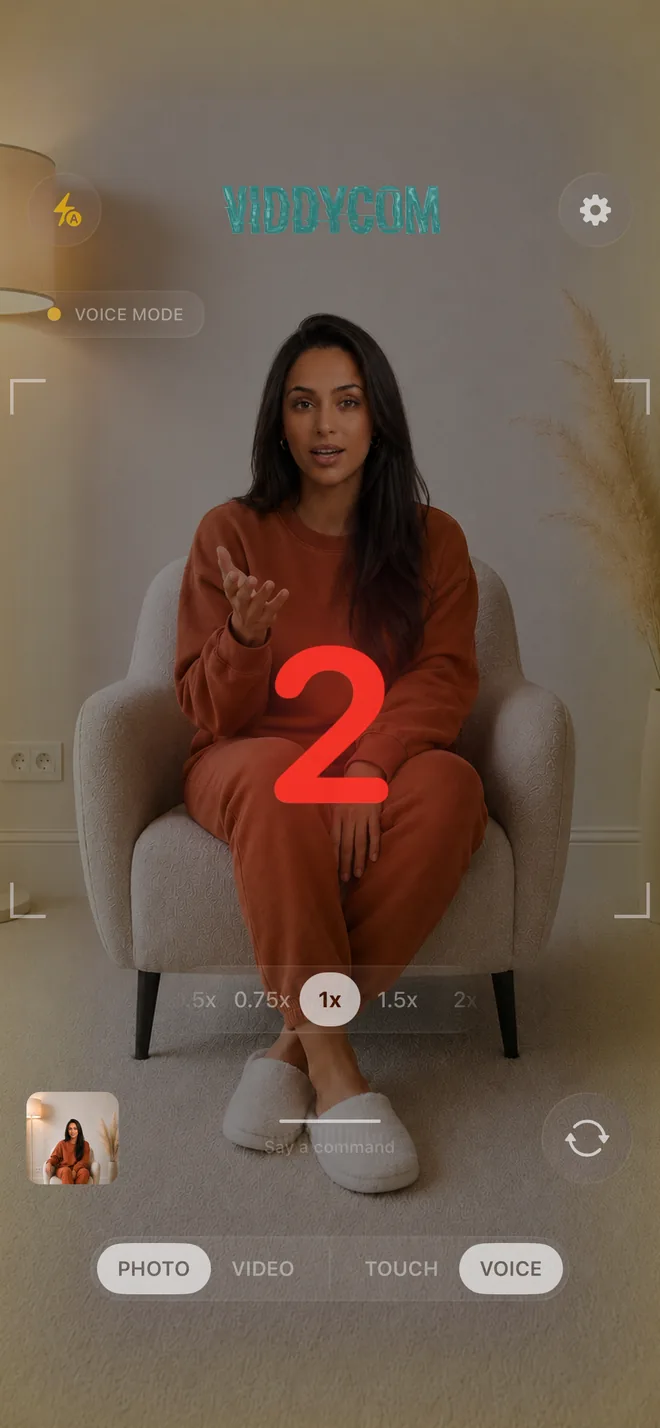
- Timer: "Take a photo in 3 seconds", "5 second countdown"
- Video: "Start recording", "Stop recording" (also "roll camera" / "that's a wrap")
- Zoom: "Zoom in", "Zoom out", "Zoom to 2x", "Zoom in slowly" to move slowly instead of jumping
- Face tracking: "Track me", "Follow me", "Stop tracking" — keeps you the same size on screen as you move
- Steady mode: "Steady mode on", "Steady mode off" — extra stabilization
- HDR video: "HDR on", "HDR off"
- Aspect ratios: "Frame for TikTok", "Frame for Reels", "Frame for YouTube", "Frame for Instagram", or say the ratio ("9:16", "16:9", "4:5"). "Ratio off" clears it — a live viewfinder overlay shows exactly what's in your crop, so you shoot once and post everywhere
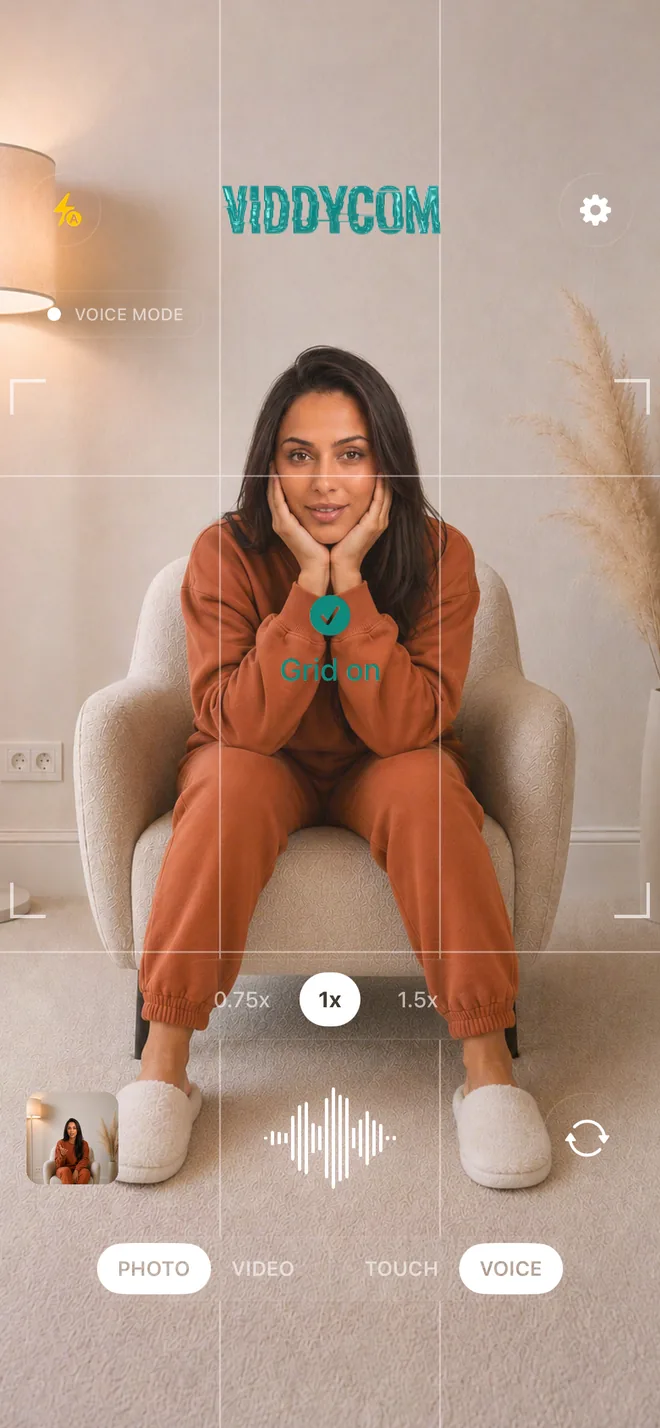
- Grid: "Grid on", "Grid off", "Show grid", "Hide grid"
- Camera: "Flip camera", "Front camera", "Selfie mode"
- Flash: "Flash on", "Flash off", "Auto flash"
- Save or discard: "Don't save that", "Delete the last photo" — within about 10 seconds of a capture
Viddycom understands natural language, so many variations of these commands work. Speak naturally!
Continuous vs Wake-Word Mode
- Continuous mode (default) — Viddycom keeps listening, no need to re-activate
- Wake-word mode (optional) — say "Show Time" again after a photo or after you stop recording
- While recording → voice commands still work in both modes
Tips
- Speak clearly but naturally — no robotic commands needed
- Casual or pro phrasing both work: "take a pic" or "snap", "stop recording" or "that's a wrap"
- Built for photos and video alike — several photos in a row, background blur, slow zooms, steady mode, and aspect-ratio overlays that show your crop for any platform or ratio (TikTok, Reels, YouTube, Instagram, 9:16…)